
Turn badminton match videos into rally clips
Quickly turn your badminton recordings into rally clips with SportArc Auto Cut. Move from a long session video to clips you can review, select, and share.
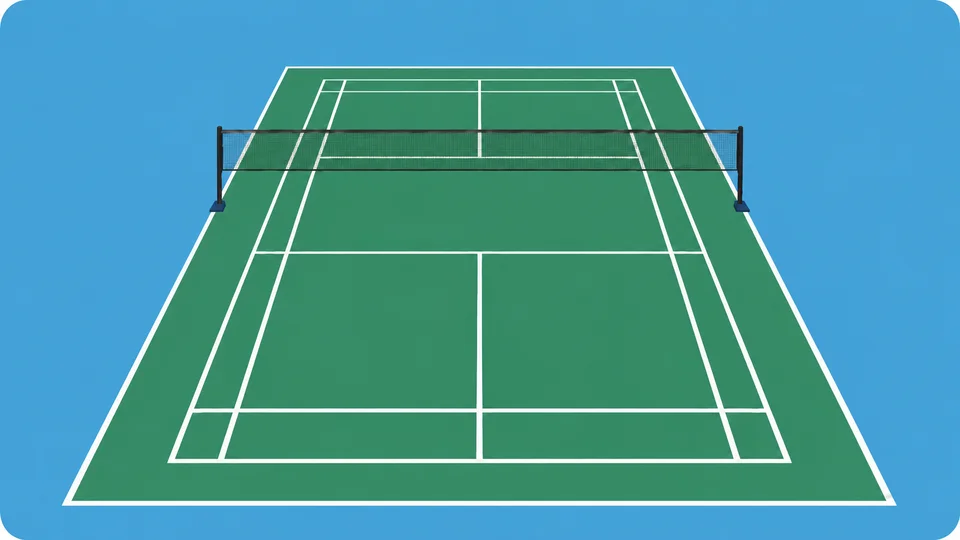
Keep the exchanges worth watching again
A badminton session includes shuttle retrieval, waiting, and changes between points. Auto Cut finds the playing segments in your recording and presents them for review. Choose the rallies you want to keep before exporting.
- Review the detected ralliesMove through the playing segments and check what Auto Cut has found.
- Choose what to shareSelect the clips you want to export, then share your selection after the session.
- Import your recording
- Review the rallies
- Export your selection
Set up for your singles or doubles session
-
Choose your mode
Choose Badminton and Auto Cut in SportArc, then match the Singles or Doubles setting to your recording.
-
Import your video
Select a video you have already recorded and start processing.
-
Review your rallies
Play the detected segments and select the clips you want to keep.
-
Export and share
Export your selection to share with a training partner or coach.
Frame the shuttle, court, and players
Check that the shuttle is visible against the surroundings and that the far side of the court stays in frame. For doubles, allow room for all four players to move. Other players and nearby courts should not obscure the action you want to cut.
See the badminton recording guide
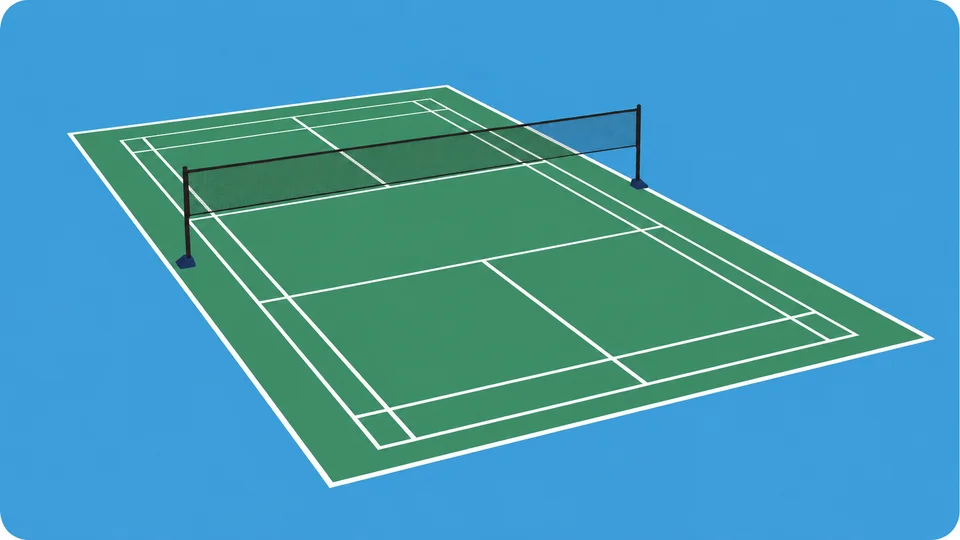
Questions before you start
Find the workflow that fits your recording.
How can I use Auto Cut after badminton training?
Review the rallies from your recorded session, choose the points you want to discuss, and export those clips for a coach or training partner. Auto Cut helps you find and share the footage; you and your coach can use it to discuss what to work on next.
Can I use doubles footage?
Select Doubles in the Auto Cut settings, and keep the court and all players clearly visible.
Does this give me badminton AI coaching or match statistics?
Badminton is supported by Auto Cut. The AI Coach and Match Review features described on this website currently focus on table tennis.
Will it generate a new badminton video from a prompt?
Auto Cut works with a match video you have recorded. It finds and exports parts of that recording.
What should I check if rallies are missed?
Check whether the shuttle, players, or court are hard to see or obscured. Compare your footage with the badminton recording guide and use Support if the problem continues.
Which devices can I use?
Use SportArc on iPhone or iPad. The app is free to download and includes in-app purchases; check the app for current limits and Plus options.