
An automatic video editor for your tennis matches
Create tennis rally clips quickly from a long phone recording. SportArc Auto Cut finds the playing time so you can review and share the points you want to keep.
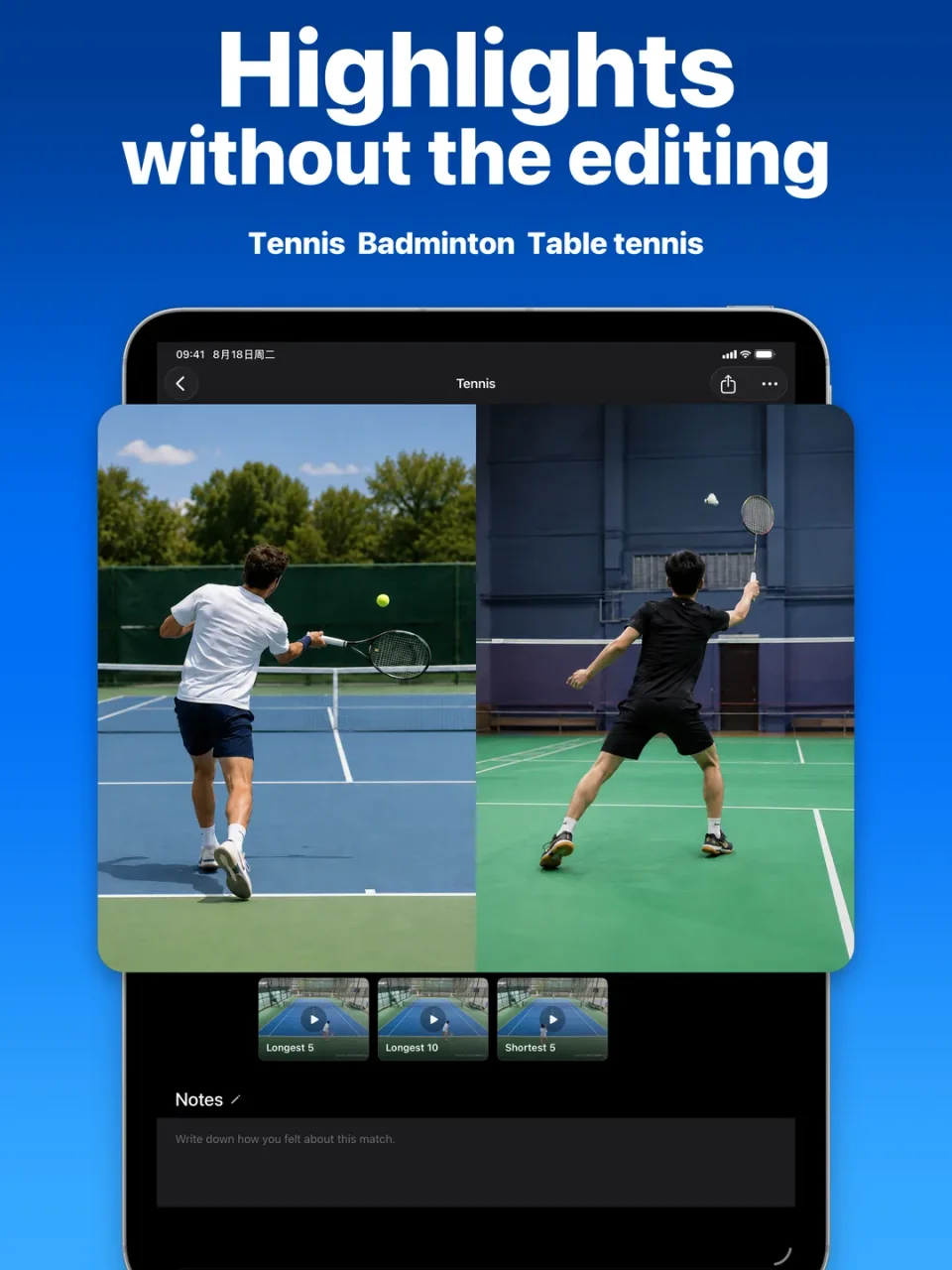
Spend your review time on the rallies
A match recording includes the tennis you want to watch and the pauses around it. Auto Cut separates the playing segments so you can move through rallies instead of repeatedly searching a long recording.
- Review the detected ralliesMove through the playing segments and check what Auto Cut has found.
- Choose what to shareSelect the clips you want to export, then share your selection after the session.
- Import your recording
- Review the rallies
- Export your selection
From a recorded match to clips you can share
-
Choose your mode
Choose Tennis and Auto Cut in SportArc, then match the Singles or Doubles setting to your recording.
-
Import your video
Select a video you have already recorded and start processing.
-
Review your rallies
Play the detected segments and select the clips you want to keep.
-
Export and share
Export your selection to share with a training partner or coach.
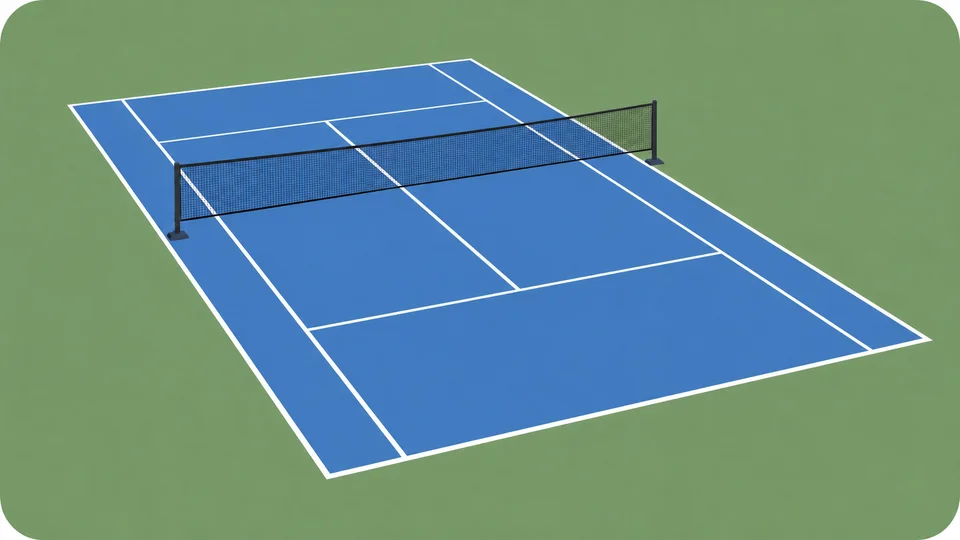
Keep the court, ball, and players in view
Check a short recording before filming a full session. Make sure the court and both sides of the action stay visible. The ball and players need to be clear throughout each rally.
See the tennis recording guide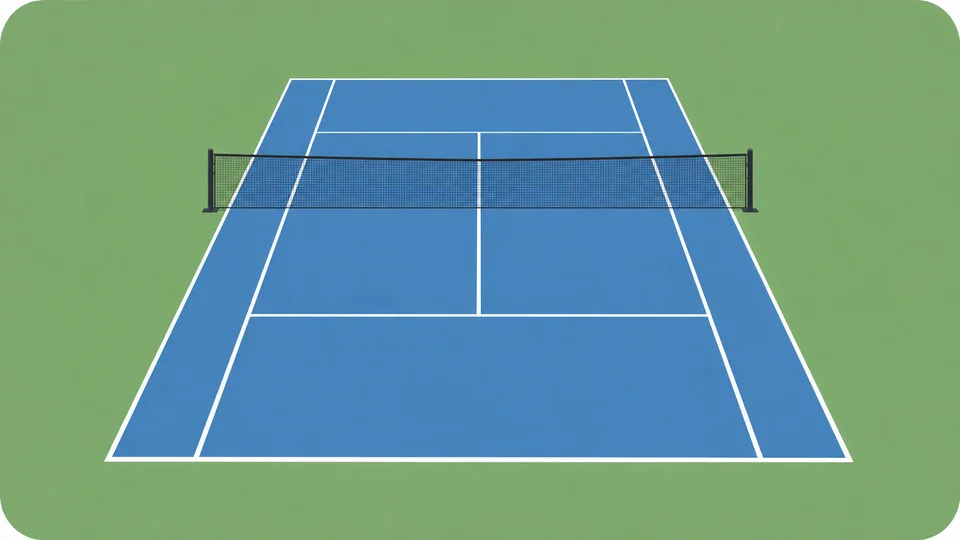
Questions before you start
Find the workflow that fits your recording.
How can I use Auto Cut after tennis training?
Review the rallies from your recorded session, choose the points you want to discuss, and export those clips for a coach or training partner. Auto Cut helps you find and share the footage; you and your coach can use it to discuss what to work on next.
Does this analyze my tennis technique or make line calls?
This page covers tennis Auto Cut: finding, reviewing, and exporting rally clips. SportArc’s AI Coach and Match Review currently focus on table tennis.
Can I use a video I already recorded?
Yes. Start by importing a recording into SportArc. The recording still needs a clear view of the ball, court, and players.
Does it work for singles and doubles?
Choose the matching Singles or Doubles setting before processing your video.
Can I do this in my browser?
Use SportArc on iPhone or iPad. This website explains the workflow and links to the app.
Is Auto Cut completely free?
SportArc is free to download and includes in-app purchases. Check the app for the current usage limits and Plus options.